

An ergonomic office chair should help you sit with your back supported while you work. For someone choosing a chair with spine support in mind, the useful question is how the chair fits their body and desk. A long feature list cannot answer that on its own.
The meaning of “ergonomic chair” is a chair designed to fit the person and the task. This guide turns that idea into practical checks for your back, legs, shoulders and workspace. Whether you work in a Long Island office or at a desk at home, compare chairs in the position you actually use for work.
Start With Back Support You Can Actually Use
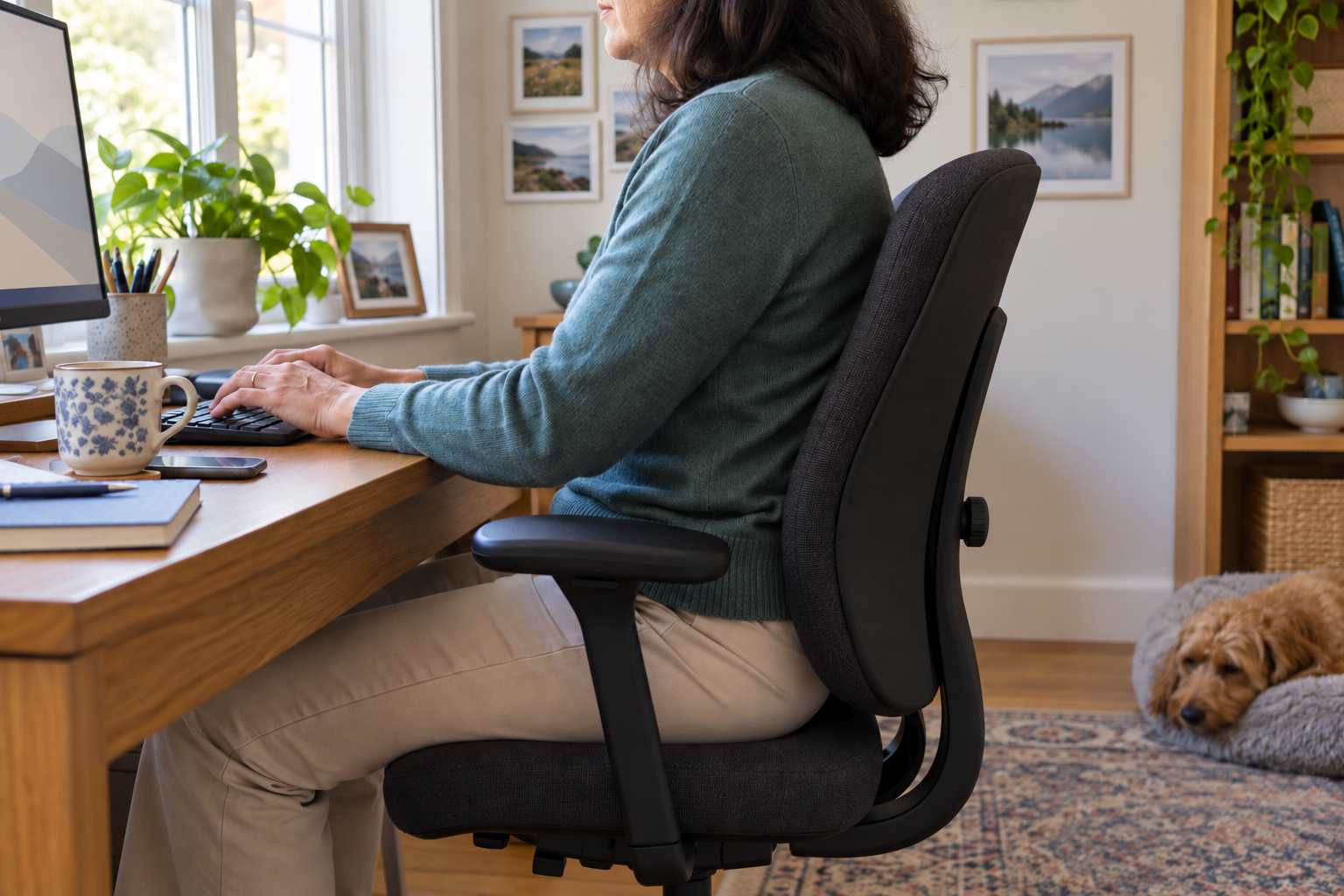
Look for a backrest that feels comfortable against your back when you sit fully on the seat. Pay attention to the lower-back area, where the chair’s contour or lumbar adjustment meets your body. A prominent cushion is not enough to establish that a chair fits you.
The Canadian Centre for Occupational Health and Safety’s chair guide recommends choosing around the person’s dimensions, workstation and tasks. It includes adjustable back support among the features to assess. This makes trying a chair more useful than choosing from a photograph alone.
During a trial, ask the seller to demonstrate the backrest controls. Compare how it feels before and after each adjustment. Can you use the support while reaching the keyboard, or do you move away from it as soon as you start typing? Note that difference before moving to the next chair.
A chair trial cannot explain why your back hurts. LISS’s back pain information describes the separate clinical questions involved in understanding back symptoms. Keep chair fit and the cause of pain as two different questions.
Choose a Seat That Lets You Reach the Backrest
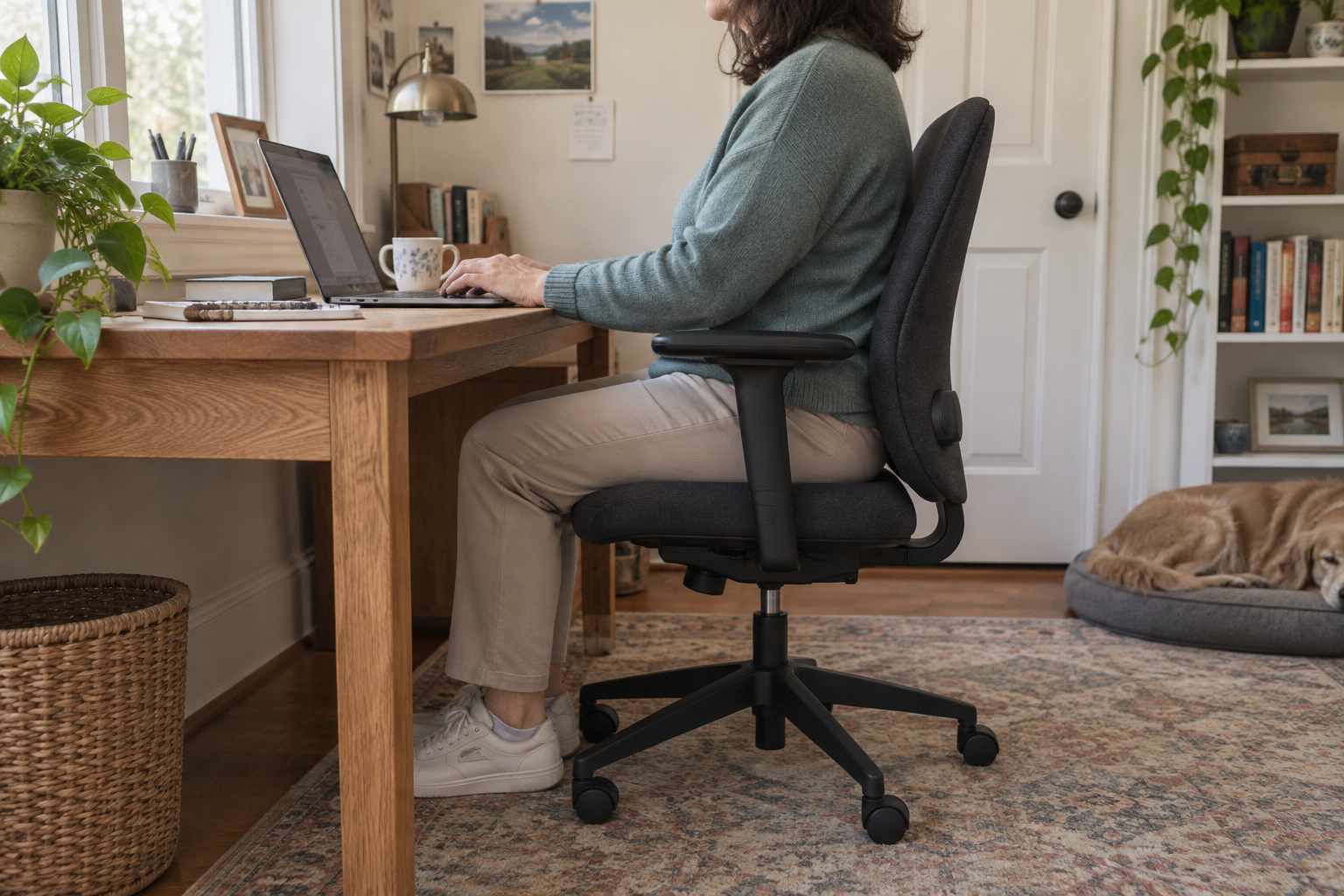
Seat dimensions matter because they determine whether you can use the backrest comfortably. Check the seat with your usual work shoes on. Look at where your feet land and whether you can sit back without the front edge pressing behind your knees.
CCOHS identifies adjustable seat depth, suitable width and height as important selection features. A seat that looks generously sized may still be unsuitable for a smaller person. Likewise, a narrow seat may leave too little room for comfortable movement.
When comparing specifications, distinguish overall chair dimensions from seat dimensions. Overall width may include the armrests; overall depth may include the base. Ask for the actual seat-depth adjustment range, particularly when buying online. Save those measurements alongside the return policy so you can compare models consistently.
| Chair feature | What to check during a trial |
|---|---|
| Seat height | Can your feet rest on the floor or a suitable footrest? |
| Seat depth | Can you sit against the backrest without pressure behind your knees? |
| Seat width | Is there comfortable room to sit and change position? |
| Back support | Can you reach and use the support while doing your usual desk task? |
Check Armrests Alongside Neck and Shoulder Comfort

Armrests should work with your desk, not stop the chair from getting close enough to it. Test them while using a keyboard or writing. Notice whether they leave your shoulders relaxed and whether their height and spacing feel comfortable.
CCOHS’s office-chair adjustment guide explains that suitable armrests can reduce the load on the shoulders and neck. It also notes that armrests should allow you to approach the work surface. Adjustable height alone may not solve a width or clearance problem.
Try moving the chair toward the desk with the armrests in the position you would use. If they collide with the desk edge, ask whether they lower further or adjust backward. Test those settings before assuming the chair will fit your workspace.
If neck symptoms are the reason you are shopping, remember that a chair is only one part of the setup. The screen and keyboard matter too. Persistent neck symptoms also raise questions about clinical evaluation beyond furniture choices.
Test the Controls During Real Desk Tasks
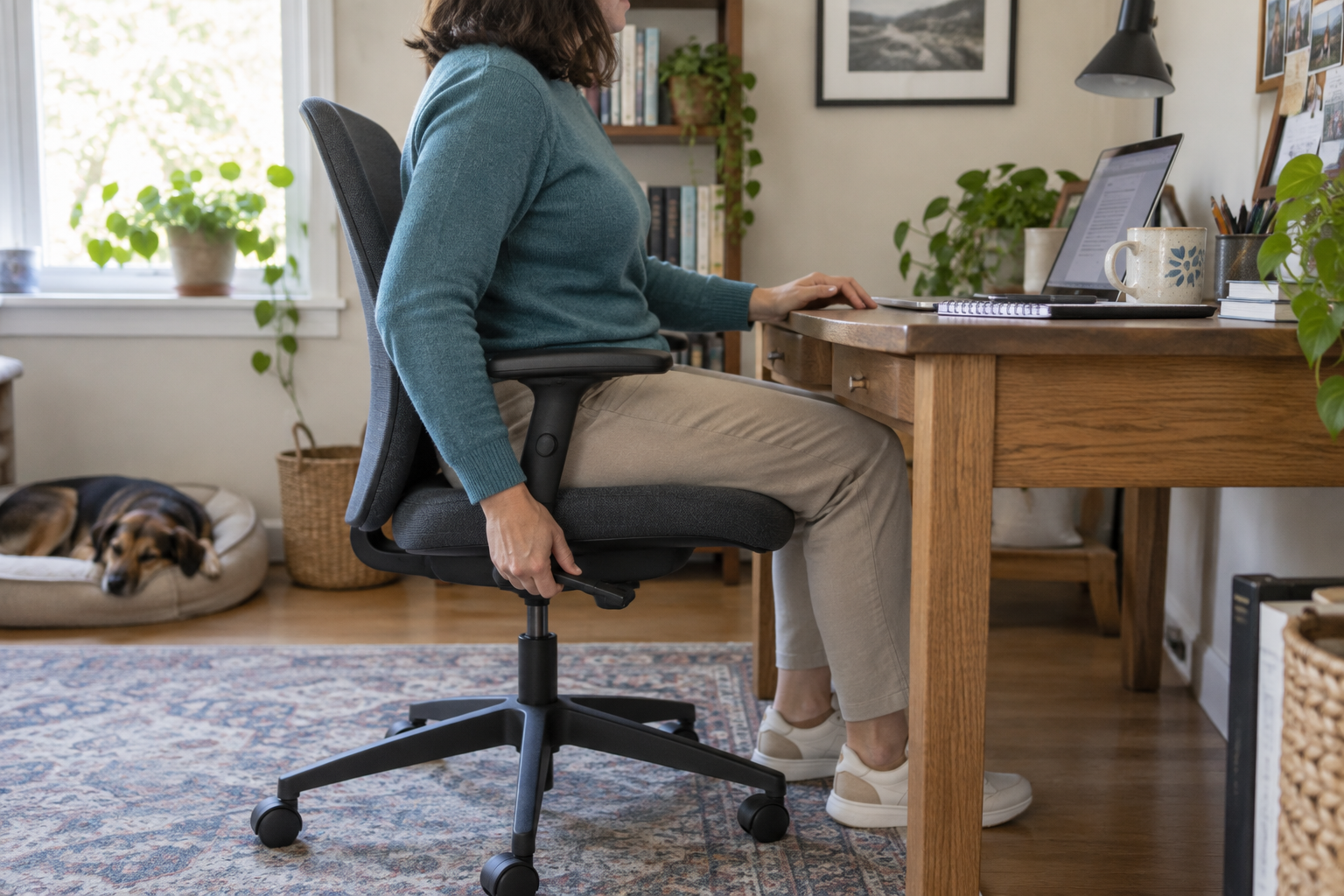
A chair may offer several adjustments, but those features are useful only if you understand and can operate them. Ask which lever changes seat height, which changes backrest angle, and whether a knob controls how easily the chair reclines.
Use a simple comparison routine: sit down, adjust the chair, type for a while, read from the screen, and reach for something you normally use. Record which settings worked. Repeat the same tasks in the next model so your comparison reflects your work rather than the showroom display.
Keep the instructions or take a photograph of the control labels with the seller’s permission. This is especially helpful for a shared chair: each person needs to be able to restore their own settings. A complicated mechanism is not automatically a better choice than one you can use confidently.
Consider Stability and Comfort Beyond the Backrest
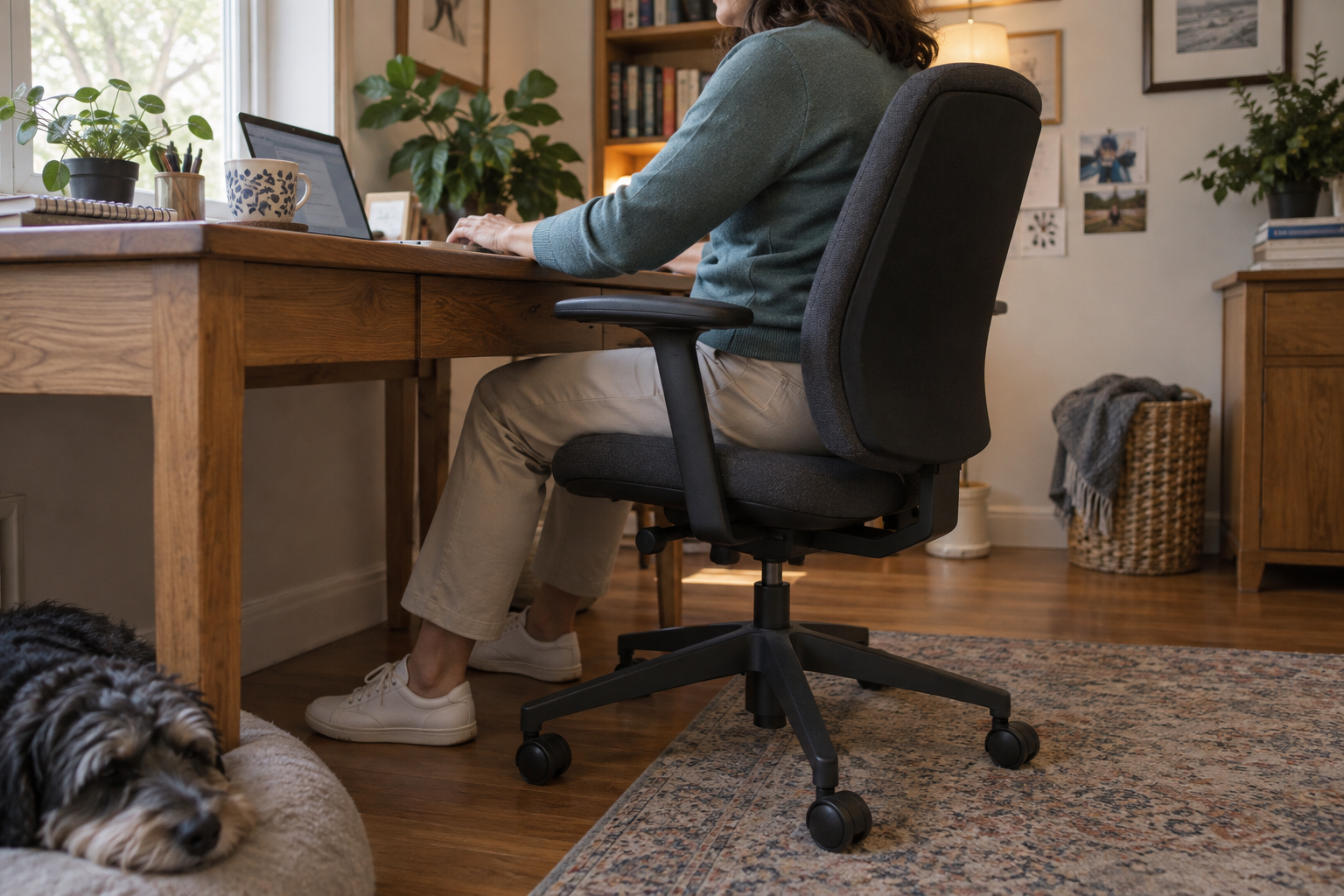
Support depends on the whole chair. CCOHS recommends a stable five-point base, casters suited to the floor and a comfortable seat surface. Check the manufacturer’s specifications for the floor type and the chair’s user-weight limit before purchasing.
Try the chair on a surface similar to the one at your desk, if the retailer allows it. Compare the feel of the seat and backrest materials. Mesh, fabric and padding are worth assessing in person; a product photograph cannot tell you how a particular surface will feel to you.
Review the trial and return terms before ordering. Find out whether assembly affects eligibility, who pays return shipping and whether the original packaging is required. These practical details matter when a chair feels different at your own desk than it did during a short trial.
Match the Chair to Your Whole Workstation
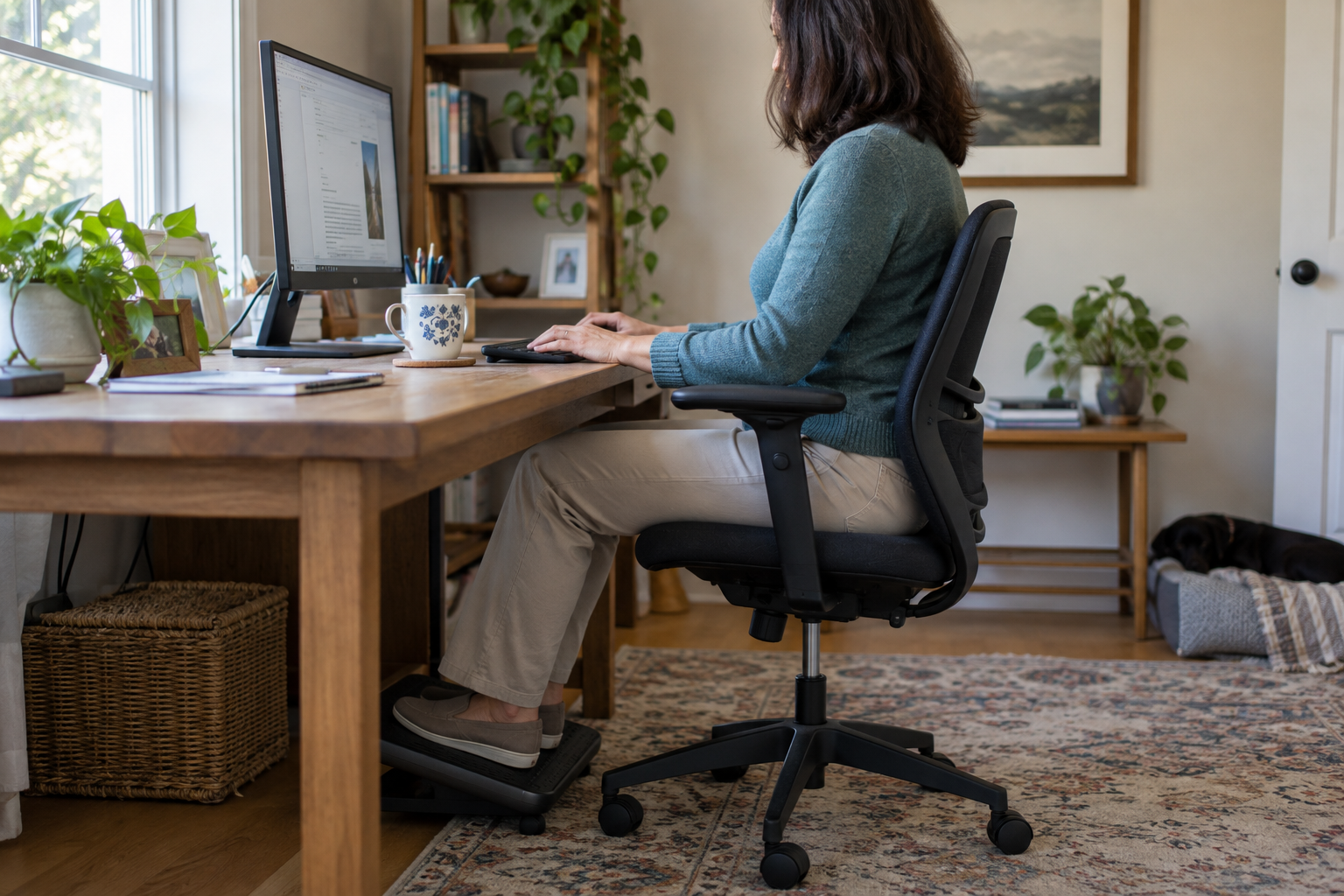
Mayo Clinic’s office ergonomics guide recommends a chair that supports the spine, with feet supported on the floor or a footrest and shoulders relaxed. It also advises placing the monitor in front of you and keeping the keyboard and mouse within comfortable reach.
Before you buy, measure your desk clearance and photograph your setup. Bring that information to the chair trial. For a home office in Commack or elsewhere on Long Island, this is more useful than choosing a chair based only on how it looks in the room.
- Check clearance under the desk for your legs, the seat and the armrests.
- Test the chair with the keyboard and screen positions you expect to use.
- Compare the same everyday tasks in each shortlisted chair.
- Keep a note of the settings and return terms for your final choice.
Even a well-fitted chair is not a reason to stay in one position all day. Mayo Clinic recommends changing position and getting up to move during the workday. Think of the chair as one part of a workable routine, alongside the desk setup and opportunities for movement.
When Chair Shopping Raises Bigger Questions About Your Spine
A chair cannot diagnose or treat a spine condition. If back or neck symptoms are driving your search, discuss those symptoms with a qualified clinician instead of relying on a product’s claims about pain relief.
For readers exploring care on Long Island, LISS provides information about interventional pain management. Whether any clinical service is appropriate depends on an individual evaluation.
The LISS service areas lists local offices and contact details, so you can find a convenient location when arranging a visit.