

What is lumbar support? It is the part of a chair that supports the inward curve of your lower back. That support may come from the backrest itself or a separate cushion. Its purpose is to help your back rest comfortably while you sit, without making you hold a rigid position.
If your lower back feels tired at your desk, the useful question is whether that support fits you and remains in contact with your back while you work. This guide covers practical ways to check the fit, the limits of chair adjustments, and where Long Island readers can find spine care information when discomfort continues.
How lumbar support relates to your spine
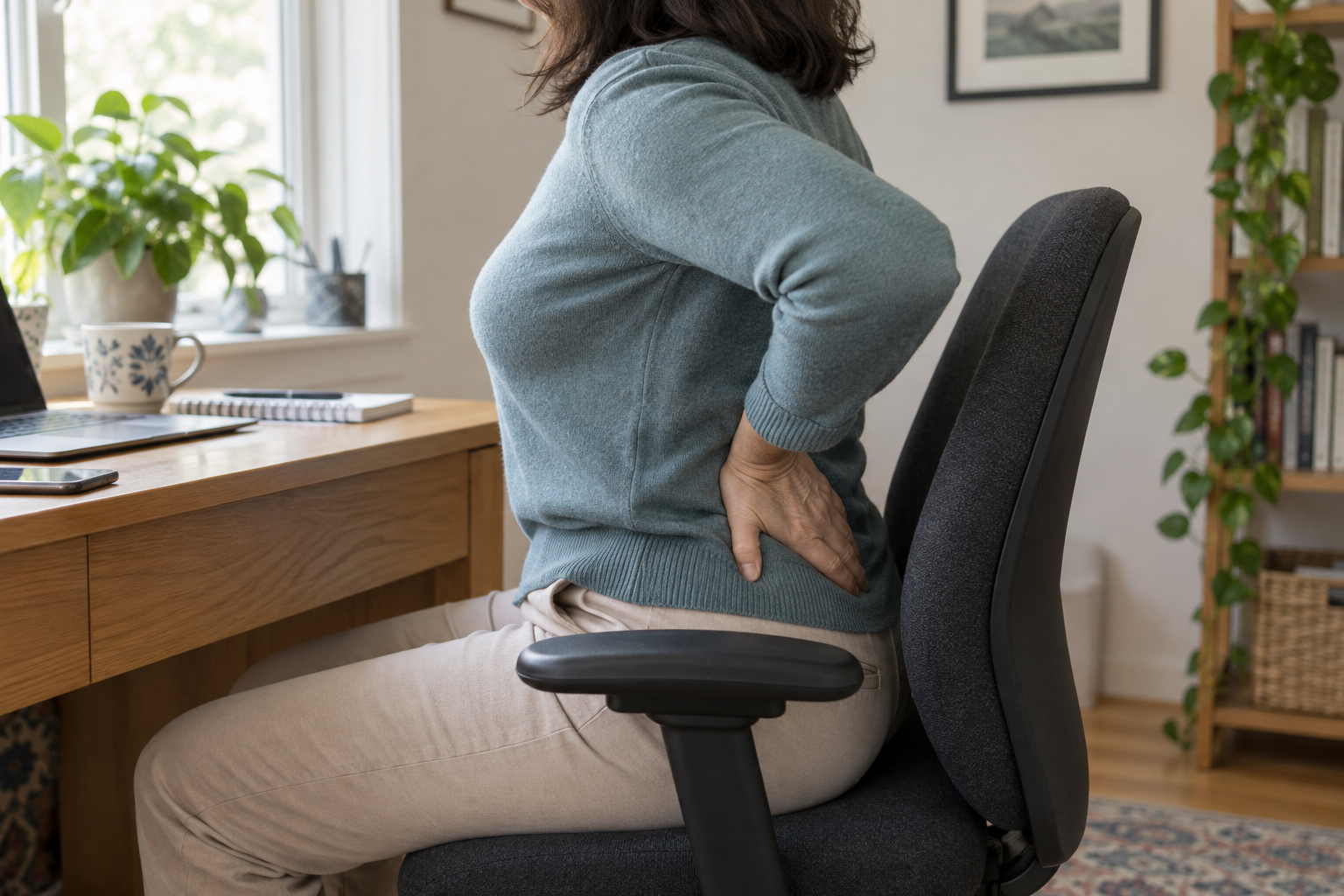
The lumbar spine is the lower-back part of your spine. Its natural inward curve is one part of the spine’s overall shape. A suitable backrest follows that curve. A support positioned much higher or lower may miss the area it is intended to support.
OSHA’s chair guidance explains that inadequate backrest support and awkward sitting positions can contribute to back pain and fatigue. It recommends a backrest that fits the spine’s natural curve. This is the reason lumbar support matters: it helps make a supported sitting position available during everyday tasks.
A chair feature cannot identify the cause of back pain. Feeling better with a cushion does not establish that posture caused the problem. Likewise, discomfort in a chair does not tell you that a disc is damaged. LISS’s disc herniation information explains how a disc problem can involve back or leg symptoms. Reading about a condition cannot establish that it is the cause of your discomfort.
The goal is comfortable contact with the small of your back. You should still be able to move, reach your work and change position. A large pad or strong pressure is not a measure of how much support your spine needs.
Check the position of your lower-back support
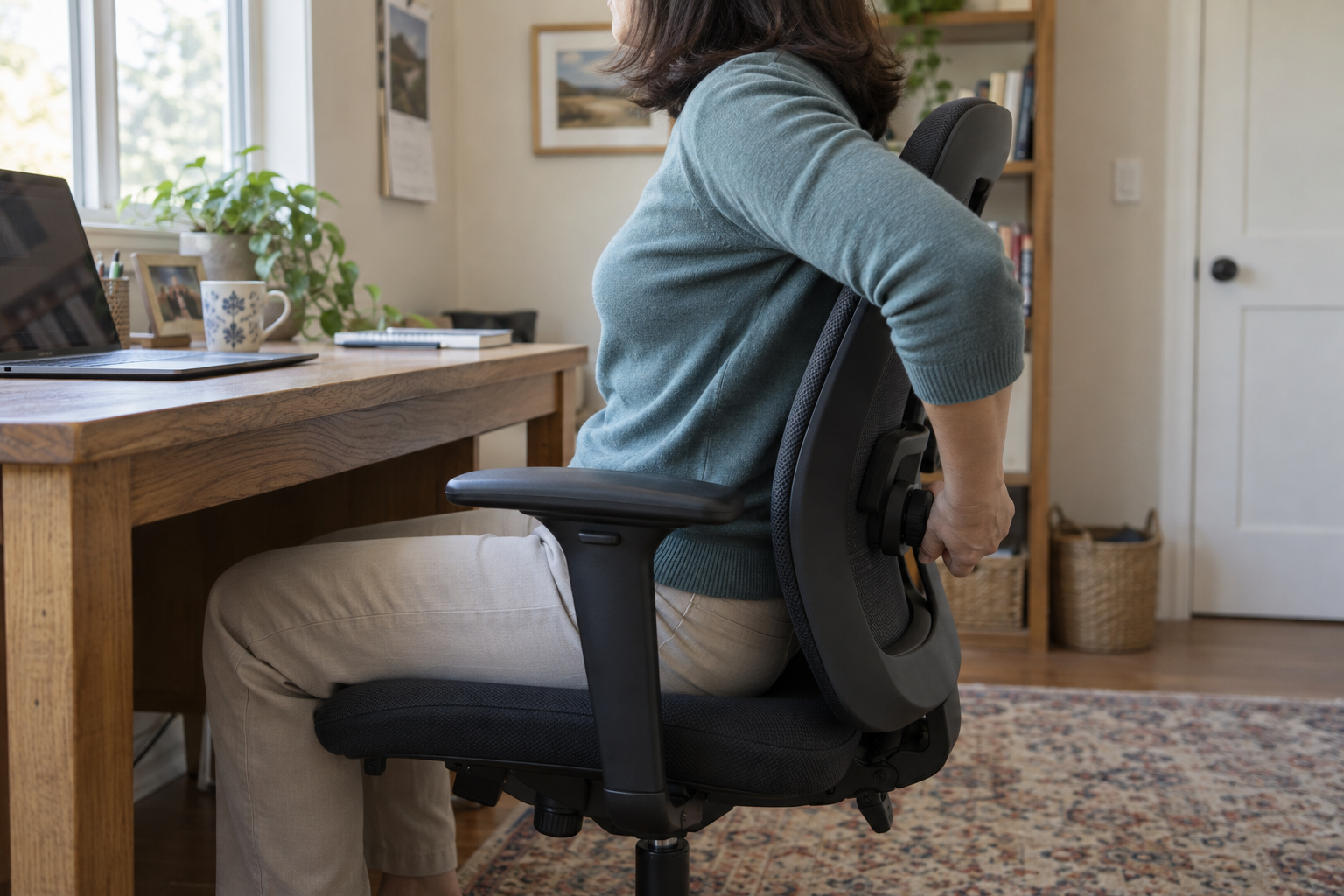
Start with the chair you already use and its adjustment instructions. Find out which control moves the backrest or lumbar pad. A recline lever changes the backrest angle; it may not change the height of the support. Make one adjustment at a time so you can tell what changed.
The Canadian Centre for Occupational Health and Safety’s chair-adjustment guidance provides a useful sequence for checking how the seat, backrest and floor work together:
- Sit back in the seat and check that your feet have stable support on the floor or a footrest.
- Check that the front edge of the seat leaves space behind your knees instead of pressing against them.
- Move the backrest or lumbar support, where adjustable, to fit the hollow of your lower back.
- Check that you can reach your desk with relaxed shoulders and your back supported.
Then try your normal task. Can you read the screen and use the keyboard while remaining against the backrest? If you immediately lean away from the support, look at what is drawing you forward. The answer may be the screen or desk arrangement, rather than another change to the lumbar pad. This fit check concerns support during sitting; it does not explain recurring pain or replace advice for an existing spine condition.
Mayo Clinic’s desk-work guidance recommends placing the screen where it is easy to read and keeping frequently used items within reach. For example, increasing small text may make it easier to read without leaning toward the monitor. A well-positioned cushion cannot do its job when your work keeps pulling you away from it.
Using a built-in support or a separate cushion
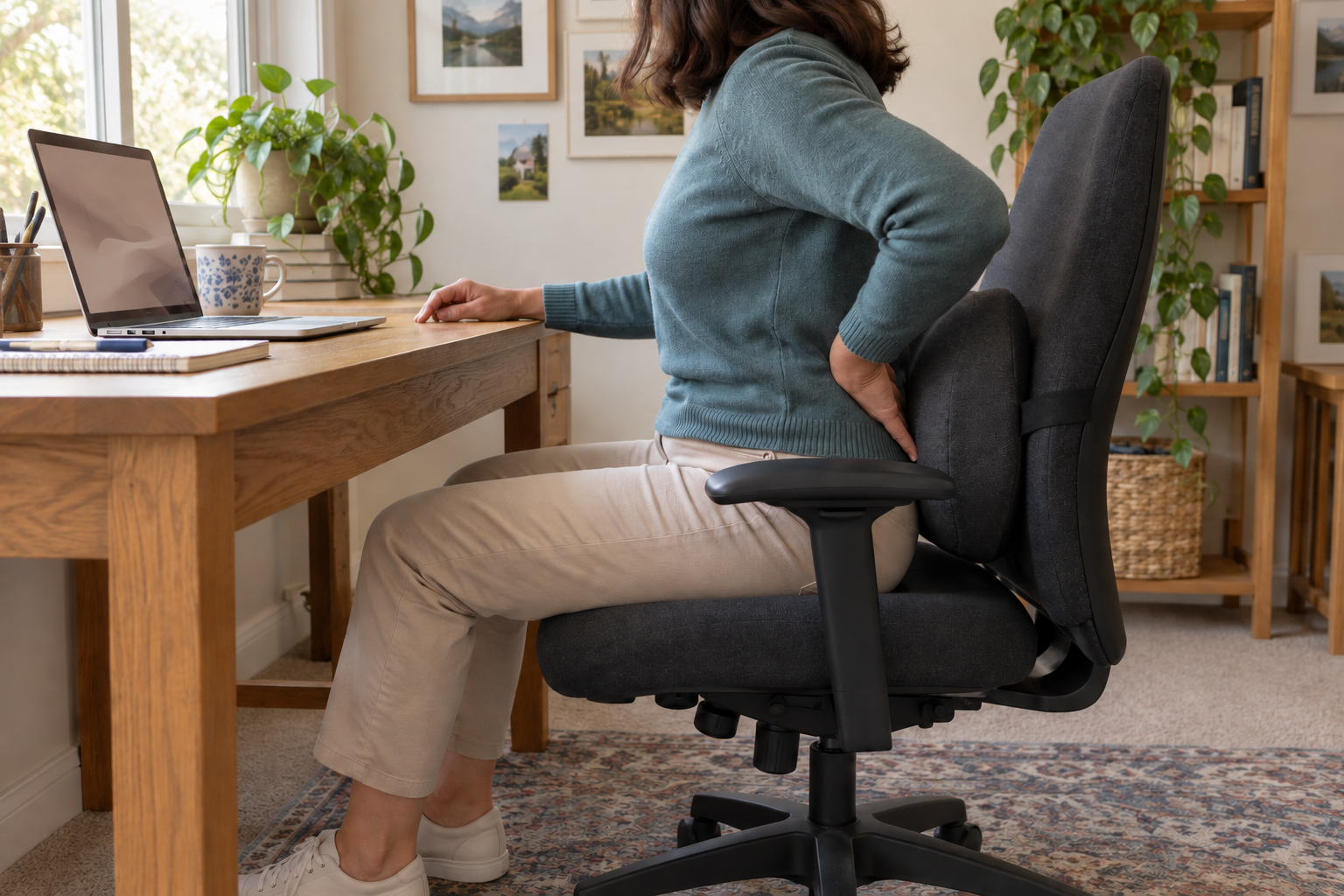
You do not need to start by comparing chair brands. First identify what your existing backrest offers and what you can change. Fixed support has a set contour. An adjustable support lets you change one or more settings. A separate cushion adds support in front of the backrest.
| Type of support | Practical fit check |
|---|---|
| Fixed backrest contour | Does the curve meet your lower back when you sit back normally? |
| Adjustable lumbar support | Can you place it at the small of your back without uncomfortable pressure? |
| Separate cushion | Does it stay in place while leaving enough room to sit comfortably? |
OSHA describes a rolled towel or removable back cushion as a temporary option when a chair lacks lumbar support. Position it at the lower-back curve and check the overall fit again. Adding material behind you changes the usable seat space; a thick cushion may leave less room than you expected.
A support that slips needs repeated repositioning. One that pushes you forward may make it harder to use the rest of the backrest. These are reasons to reconsider the fit, rather than assume that more padding will solve the problem. Follow the product instructions and avoid forcing yourself against an uncomfortable setting.
When a chair is shared at home or work, the previous user’s setting may not fit you. Check the position when you return to it. A useful adjustment is one you can understand and repeat, without relying on a particular brand or an “orthopedic” label.
Support your back without staying still all day
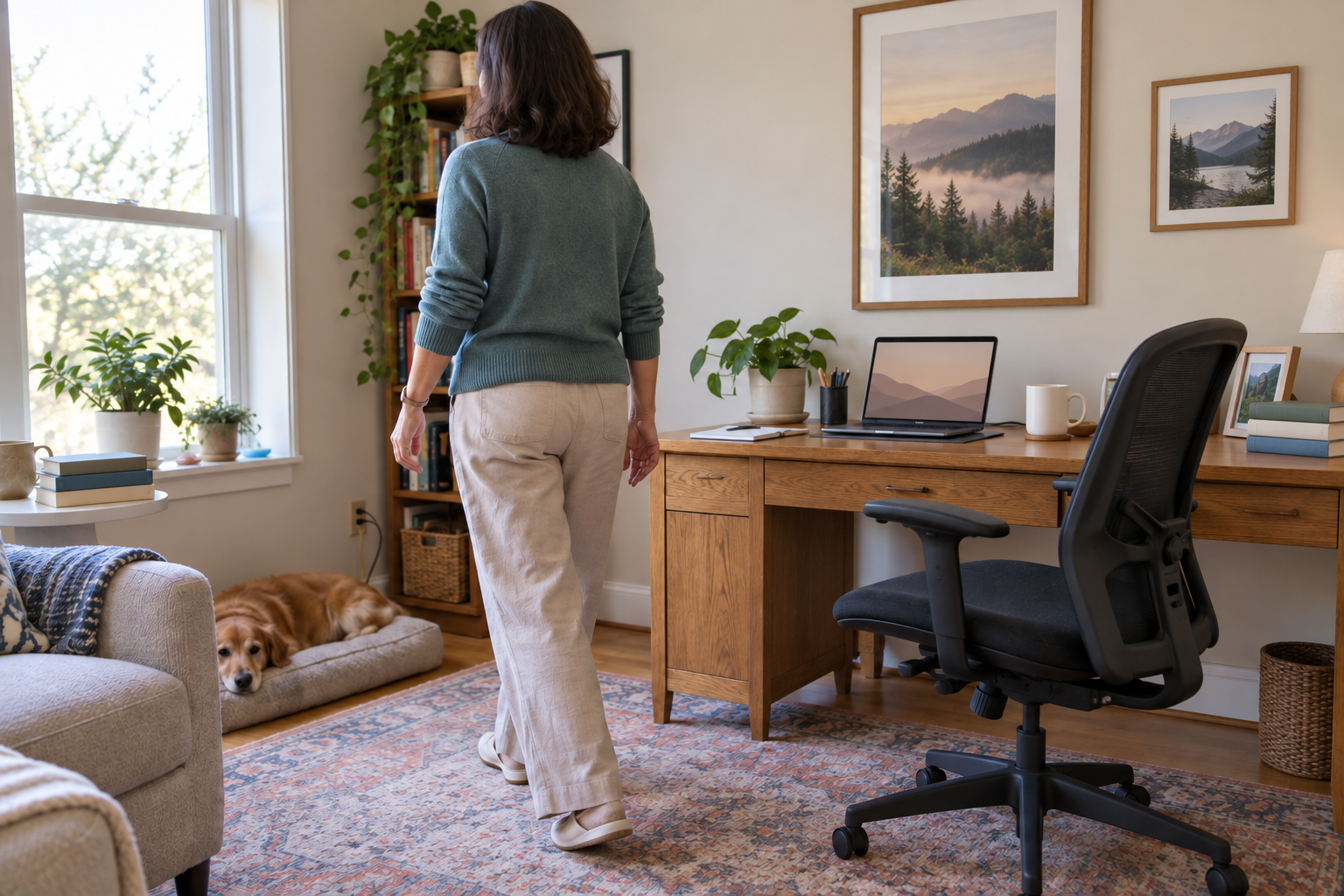
Lumbar support does not make prolonged, motionless sitting a goal. Mayo Clinic’s office ergonomics guidance recommends changing position and getting up to move during the workday. Treat support as one part of a comfortable setup, alongside opportunities to move.
For a desk-based day, notice when you stay seated through several tasks without a break. A change between tasks can be a convenient reminder to move. The point is to avoid treating one supported position as something you must hold from morning until evening.
Comfort can also change between settings. Your office chair, dining chair and car seat have different shapes and controls. A cushion that fits one may feel crowded in another. Assess each seat on its own; make any vehicle-seat adjustments while parked, before driving.
If you have an existing spine condition or instructions after an injury or procedure, use the guidance given for your situation. General workstation tips do not determine which movements or sitting positions are appropriate for everyone.
When back symptoms need more than a chair adjustment
Back pain has several possible causes. NHS guidance on back pain recommends medical attention when symptoms persist for a few weeks, interfere with daily activities or cause concern. Symptoms that travel into a leg, or include tingling or weakness, also deserve attention beyond furniture fit.
Seek emergency care for back pain with new bladder or bowel control changes or loss of sensation around the groin.
Long Island Spine Specialists includes physiatrists focused on nonsurgical spine care and orthopaedic spine surgeons. Its patient evaluation information describes a medical-history review, examination of movement and painful areas, and imaging when needed. A chair response alone cannot identify a diagnosis.
What to remember about lumbar support
Lumbar support should meet the natural curve of your lower back and stay in contact while you work. Check its position one adjustment at a time, treat a rolled towel or cushion as a temporary option, and get up to move during the day. A chair can make sitting more comfortable, but it cannot explain recurring pain.
LISS offers interventional pain management and surgical spine care for patients across Nassau and Suffolk counties. Its Long Island offices include West Hempstead, Commack, Bay Shore, Riverhead and Melville. Use the location information to plan a visit if ongoing symptoms are affecting daily life.